Visiting Hong Kong for work or travel? Picking up an iPhone with physical SIM + eSIM just makes sense
For Mainland visitors to Hong Kong: buy a certified iPhone with a physical SIM slot + eSIM while you are already in town — keep your home number, add a travel eSIM before your next trip, and land connected. iPhone 13 vs 15 budget guide included.

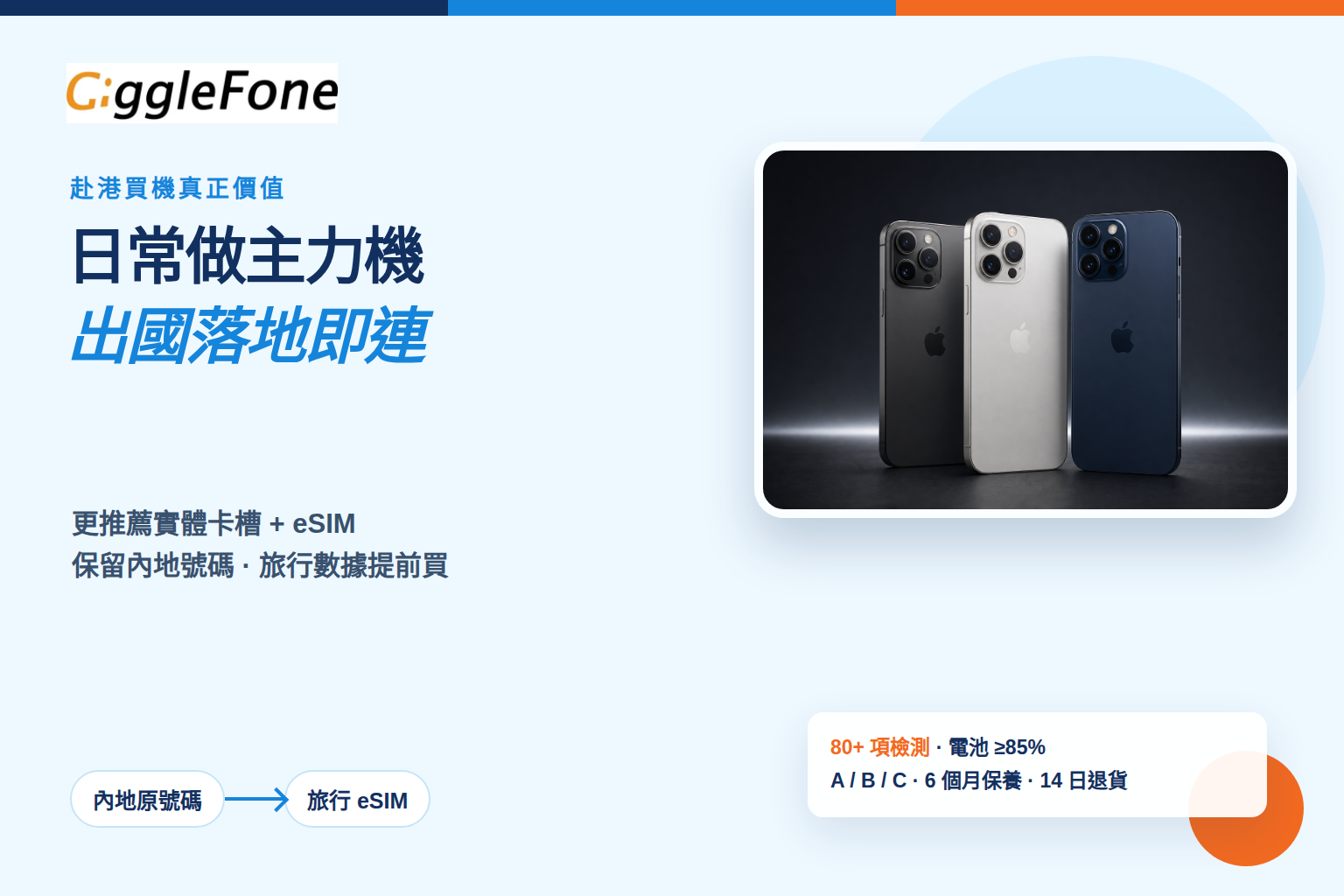
Visiting Hong Kong for work or travel? Picking up an iPhone with physical SIM + eSIM just makes sense
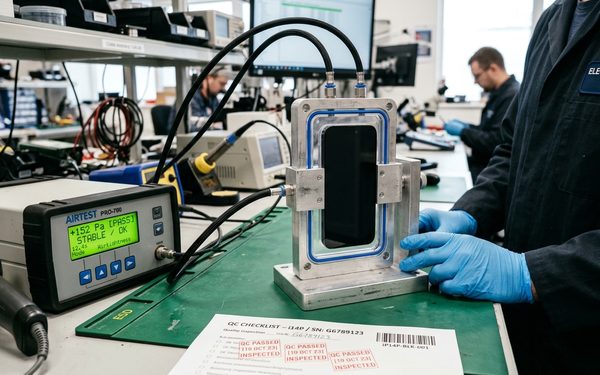
If a trip to Hong Kong is already on your calendar, picking up a certified iPhone with a physical SIM slot + eSIM takes no extra travel. Use it as your daily driver at home; install a travel eSIM before your next trip and land connected. Standards before savings: 80+ point inspection · battery health ≥85% · A / B / C cosmetic grades · 6-month warranty · 14-day returns · one device, one photo.
One iPhone 13, from Hong Kong to Korea and the US
A friend on a business trip to Hong Kong picked up a physical SIM + eSIM iPhone 13 and installed a Hong Kong eSIM for local data during her stay. Buying the phone was just a convenient stop on the itinerary; what made her feel she had bought the right phone came later.
Before flying to Korea and the US, she bought local travel eSIMs online. Her home number stayed in the physical slot for calls, texts, and verification codes; travel data went to the eSIM. On landing there was no airport SIM queue, no swapping cards, no risk of losing the original SIM — she just switched lines and was online.
Better still, after updating to the latest iOS, that iPhone 13 stayed smooth for navigation, photos, payments, and messaging. It never became a backup phone — it became her daily driver.
This is not about chasing a cheap old handset. It is about using a trip you were taking anyway to buy a smarter-budget phone that carries your daily life, business travel, and holidays.
Budget check: iPhone 13 or iPhone 15?
Based on common 128GB stock (always confirm the day’s HK$ price on the catalog):
| Model | HK$ range | approx. RMB | Positioning |
|---|---|---|---|
| iPhone 13 | HK$1,849–3,300 | ¥1,600–2,850 | Budget daily driver with a physical slot + eSIM |
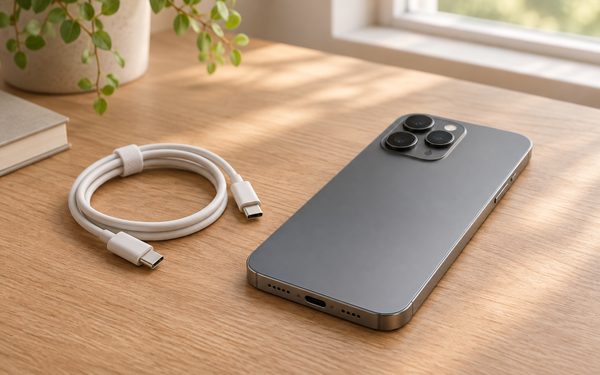
| iPhone 15 | HK$2,853–4,800 | ¥2,470–4,150 | Long-term travel flagship: USB‑C, 48MP main camera, longer lifecycle |
- Choose iPhone 13 if budget comes first and you mainly need navigation, messaging, payments, photos, and a travel eSIM — and Lightning is fine.
- Choose iPhone 15 if it will be your long-term daily driver, you shoot a lot while traveling, already own USB‑C accessories, or want the brighter outdoor display.
- At equal budget, storage and battery usually matter more long-term than one cosmetic grade higher; consider 256GB for heavy video and offline maps.
RMB figures are conversion references only (1 HKD ≈ ¥0.865; rates fluctuate). Settlement, warranty, and returns follow the product page and order terms.
Why we recommend physical SIM + eSIM
- Land connected at the next stop — buy and install a travel eSIM before departure, then just switch data lines on arrival.
- Your home number never leaves the phone — the physical SIM keeps calls, SMS, and verification codes; the eSIM handles travel data.
- A mature model still works as a daily driver — iPhone 13 remains on the iOS 26 compatibility list; the right condition and battery beat chasing the newest model.
Note: regional variants may be physical + eSIM, dual physical SIM, or eSIM-only. Always check the SIM configuration on each device page — never assume from the model name. Third-party travel eSIMs also require an unlocked device.
Where travel eSIMs commonly work
| Region | Popular destinations |
|---|---|
| Asia | Japan, South Korea, Thailand, Singapore, Malaysia, Vietnam, Taiwan region, Macau |
| Europe | UK, France, Germany, Italy, Spain, Switzerland; multi-country plans are common |
| Americas & Oceania | US, Canada, Australia, New Zealand |
| Middle East & beyond | UAE, Qatar, Türkiye; some providers offer global plans |
Coverage and pricing follow each eSIM provider’s published list. Back home, keep using the physical SIM in the slot for daily data.
How to buy: /p for the model, /d for the exact unit
| Entry | Best for | Link |
|---|---|---|
| Catalog /p | Model/storage/colour already decided — shop by spec | gigglefone.com/en-US/p |
| One device, one photo /d | See the actual unit: screen, body, battery health, SIM configuration | gigglefone.com/en-US/d |
Use /p to settle the model, then /d to verify that exact unit. A / B / C describes cosmetics only — every grade passes the same functional inspection (grade details).
Three steps to full value: ① before the trip, fix your budget and the “physical slot + eSIM” requirement, shortlist 2–3 units; ② in Hong Kong, confirm stock and order — local pickup or delivery to a Hong Kong address; ③ before your next trip abroad, buy the travel eSIM for your destination.
Sort out after-sales before you leave Hong Kong
- 14-day no-reason returns: counted from delivery; return shipping for no-reason returns is paid by the buyer.
- 6-month standard warranty: from the completed delivery date; contact support first for any covered hardware issue.
- Orders are fulfilled in Hong Kong only (pickup or HK address) — no shipping to the Mainland. If you need after-sales support after returning home, contact support to confirm the send-back arrangement first.
60-second pre-order checklist
- [ ] Direction settled between iPhone 13 / 15
- [ ] Model, storage, colour, and A / B / C grade confirmed
- [ ] Device page shows “physical slot + eSIM” and battery health
- [ ] Unlock status and eSIM compatibility confirmed
- [ ] Pickup or a deliverable Hong Kong address chosen
- [ ] 14-day returns and 6-month warranty understood
Ready to go? Build your shortlist on the catalog, or WhatsApp +852 5106 6241 with your budget, model, and arrival date to check stock before you fly.
Originally published on GiggleFone — certified graded iPhones for Hong Kong.